
Inventory management
ISP & Telecom Inventory. Asset management software.
Connect ISP warehouses, field stock, serialized CPE equipment, ONT installations and network resources with accountable asset lifecycle movements.
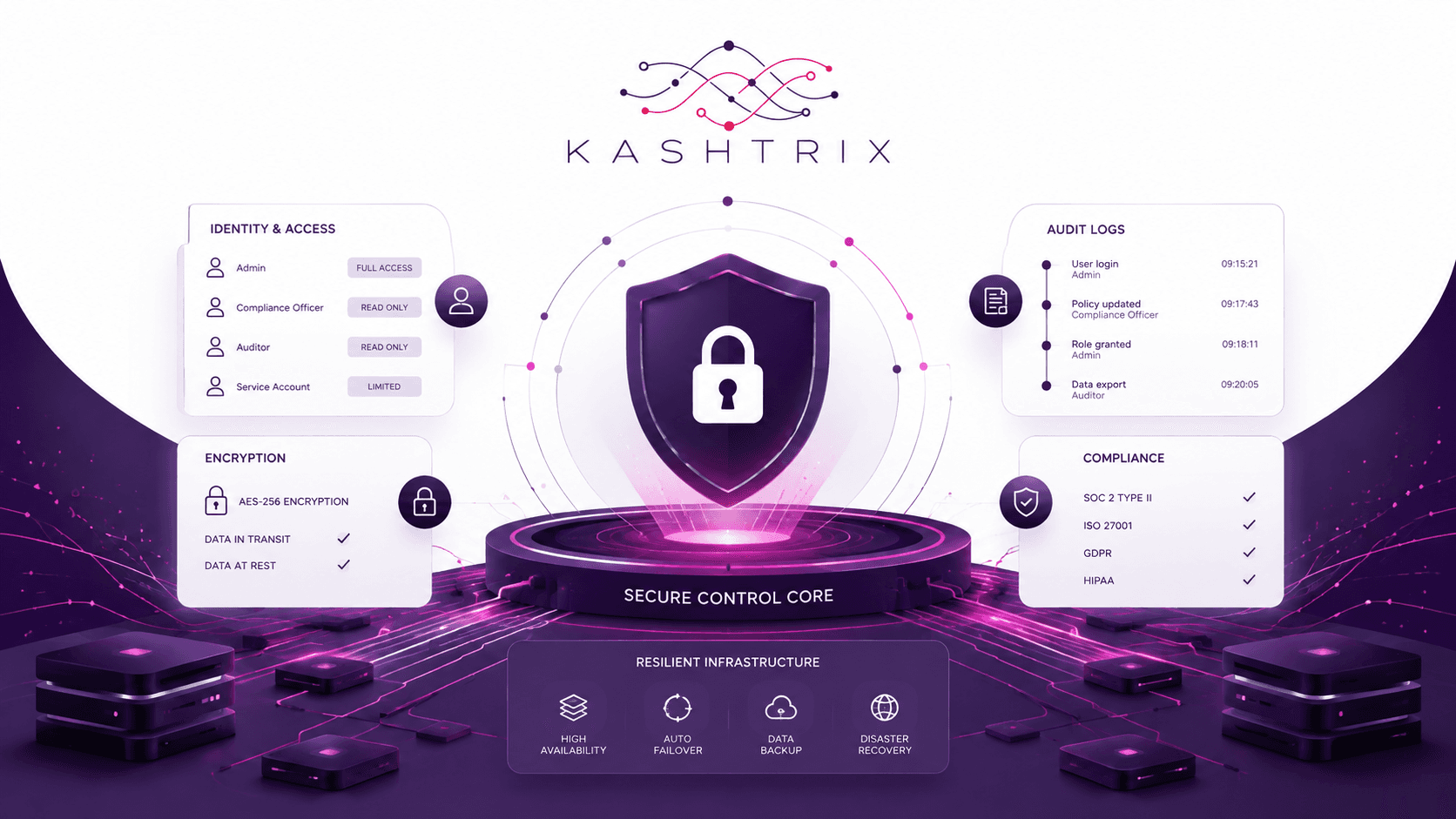
System scope
The capabilities operators use to move work forward.
The OSS/BSS pages use the same Kashtrix visual language, but each domain changes layout, emphasis and information density to match its operational role.
Asset registry
Maintain equipment identity, state, ownership and location.
Stock operations
Coordinate receipt, transfer, reservation and issue.
Field custody
Track technician assignments, returns and consumption.
Network resources
Relate physical inventory to deployed service infrastructure.
Lifecycle controls
Manage repair, recovery, retirement and audit evidence.
Operational workflow
A visible path from input to outcome.
The workflow below reflects this product domain rather than repeating a generic dashboard story.
Step 1
Receive asset
Policy, ownership and evidence remain attached to the work as it progresses.
Step 2
Register identity
Policy, ownership and evidence remain attached to the work as it progresses.
Step 3
Reserve stock
Policy, ownership and evidence remain attached to the work as it progresses.
Step 4
Deploy resource
Policy, ownership and evidence remain attached to the work as it progresses.
Step 5
Recover or retire
Policy, ownership and evidence remain attached to the work as it progresses.
Controlled access
Roles and permissions around operational actions.
Traceable change
Keep intent and result visible for review.
Operational context
Bring relevant network or business state into the task.
Inventory management deployment
Evaluate ISP & Telecom Inventory for your operation.
Share your subscriber scale, network vendors, AAA stack, billing model and automation requirements. We’ll map integrations and an implementation path.